
Generate Better Images with
Uni-1 — The AI That Thinks First
Most AI image tools just pattern-match your words. Uni-1 actually reasons through your idea before drawing it — so you get images that make sense, not just images that look good.
Why Uni-1
Why Creators Are Switching to Uni-1
Whether you're a professional designer or just exploring AI for the first time, here's what makes Uni-1 worth switching to.
Better Results on Complex Prompts
When your prompt involves relationships between objects, spatial logic, or multiple references, Uni-1 produces more accurate results than diffusion-based models.
One Architecture, Full Understanding
Most image tools separate "understanding your prompt" from "drawing the image." Uni-1 does both in a single unified model — which means it loses less information between thinking and creating.
One Model for Everything
No need to switch between tools for different tasks. Uni-1 handles text-to-image, reference-based generation, style transfer, and editing — all in one place.
Key Features
What Makes Uni-1 Different from Other AI Image Tools
Four things Uni-1 does that other models either can't do, or do far less reliably.
It Reasons Before It Draws
Most AI image tools jump straight to generating pixels. Uni-1 thinks through your prompt — understanding context, space, and logic — before it creates anything.
Handles Text Inside Images (Really Well)
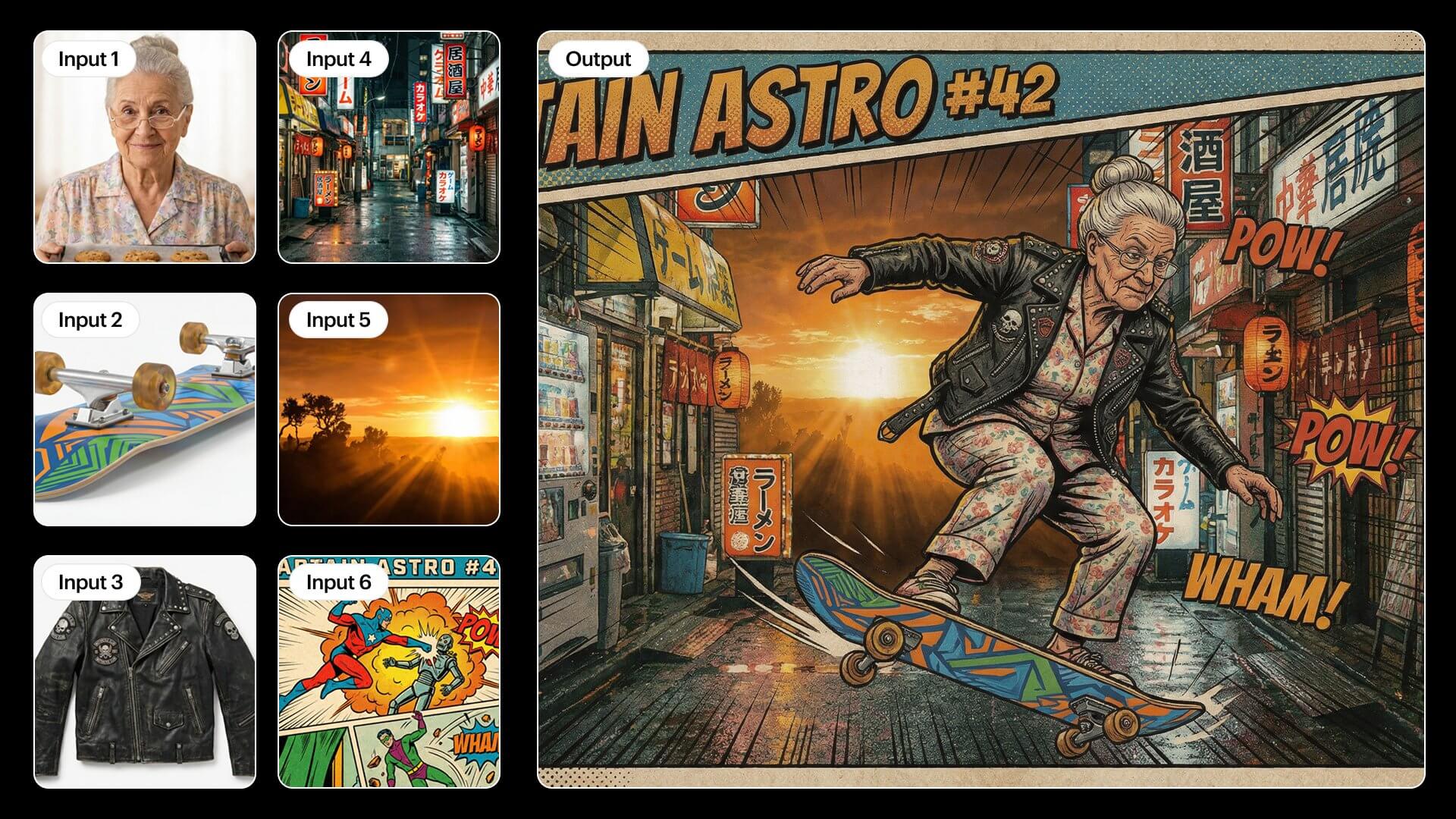
Getting AI to render readable text in an image has always been a mess. Uni-1 handles multilingual text — including Chinese, Arabic, and Japanese — with near-zero errors.
Use Your Own Photos as References
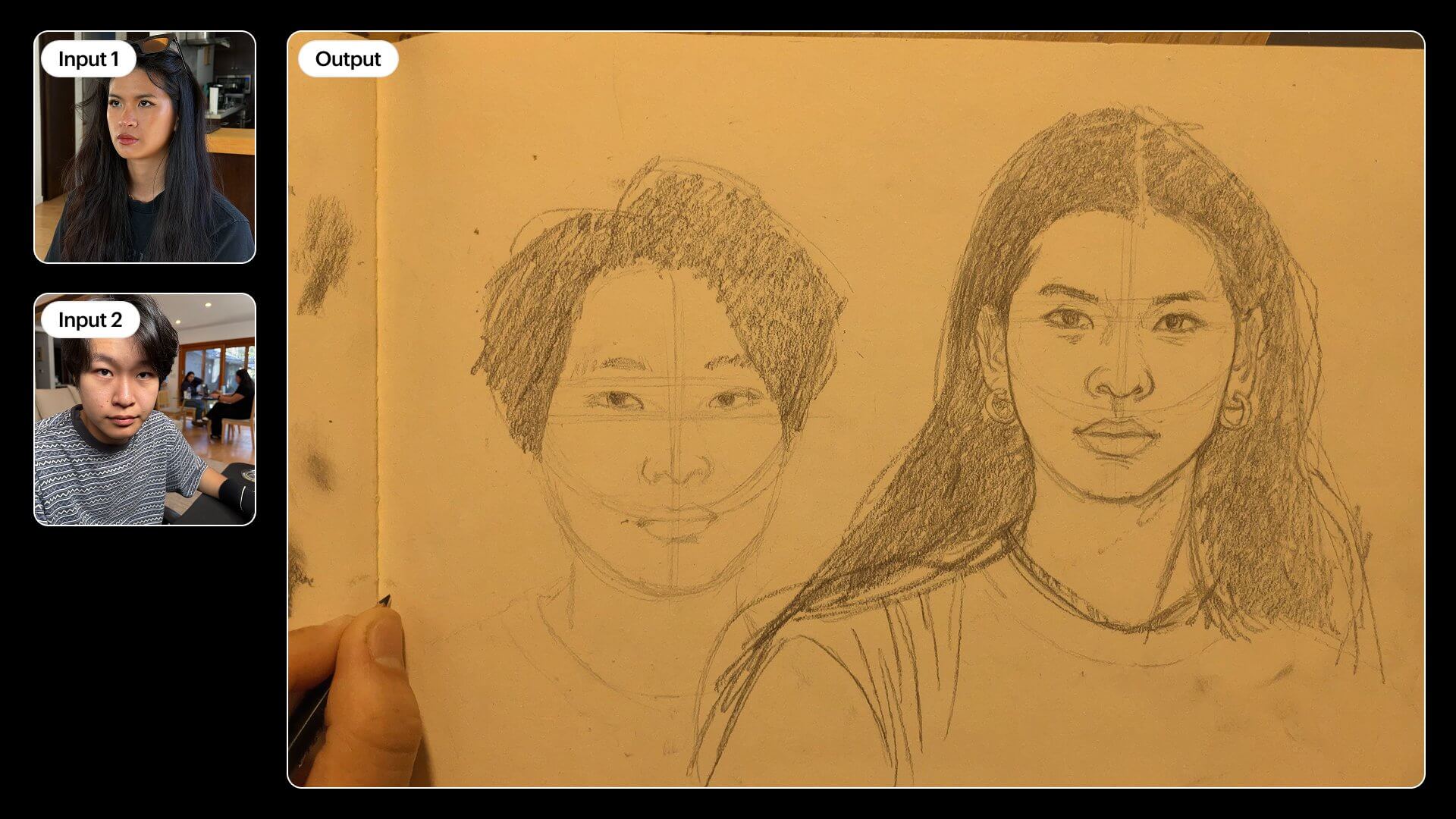
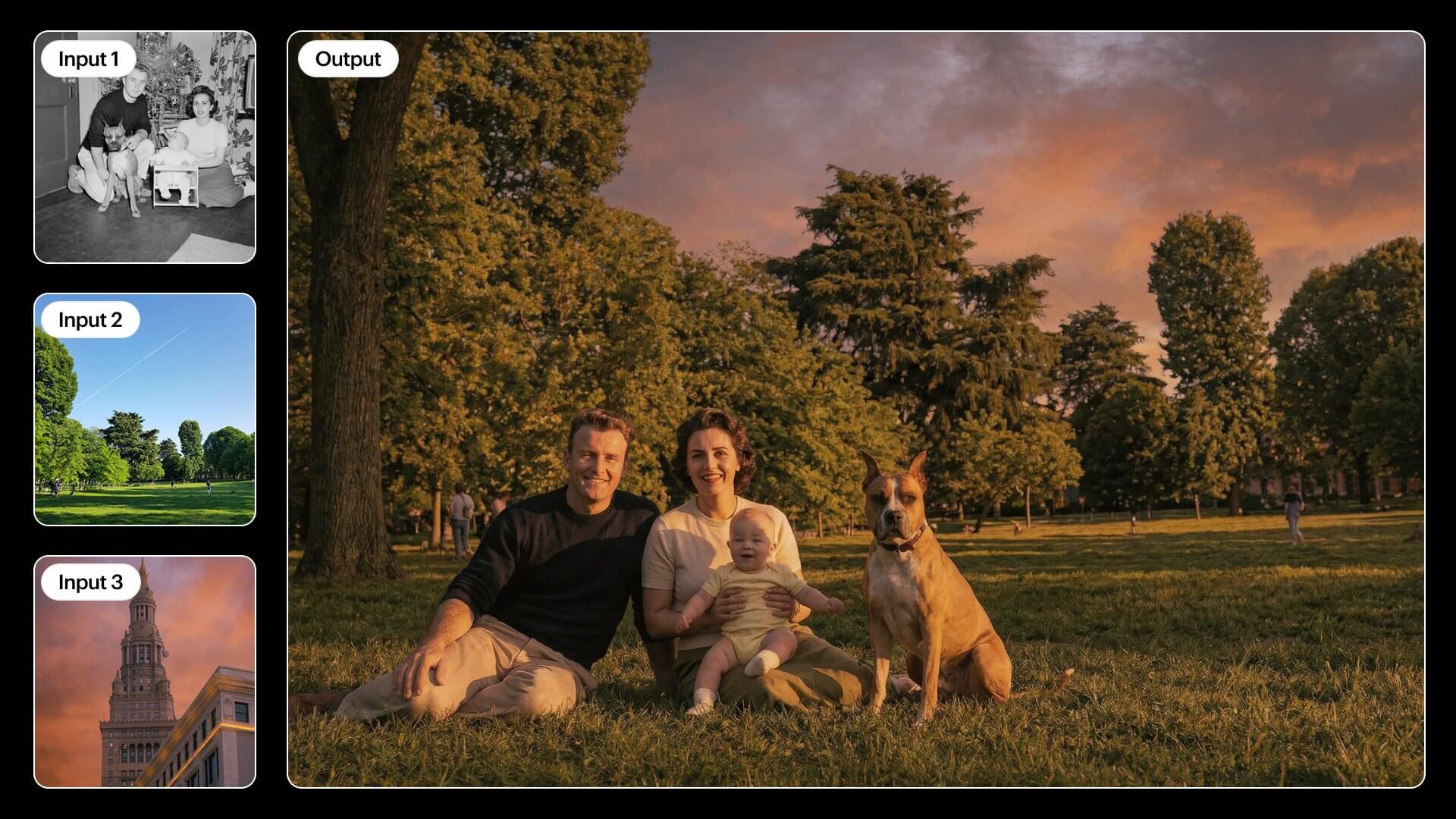
Upload up to 9 reference images to guide the output. Want a result that matches your brand's look, a specific pose, or a real person's face? Uni-1 keeps your references grounded.
76+ Art Styles, One Model
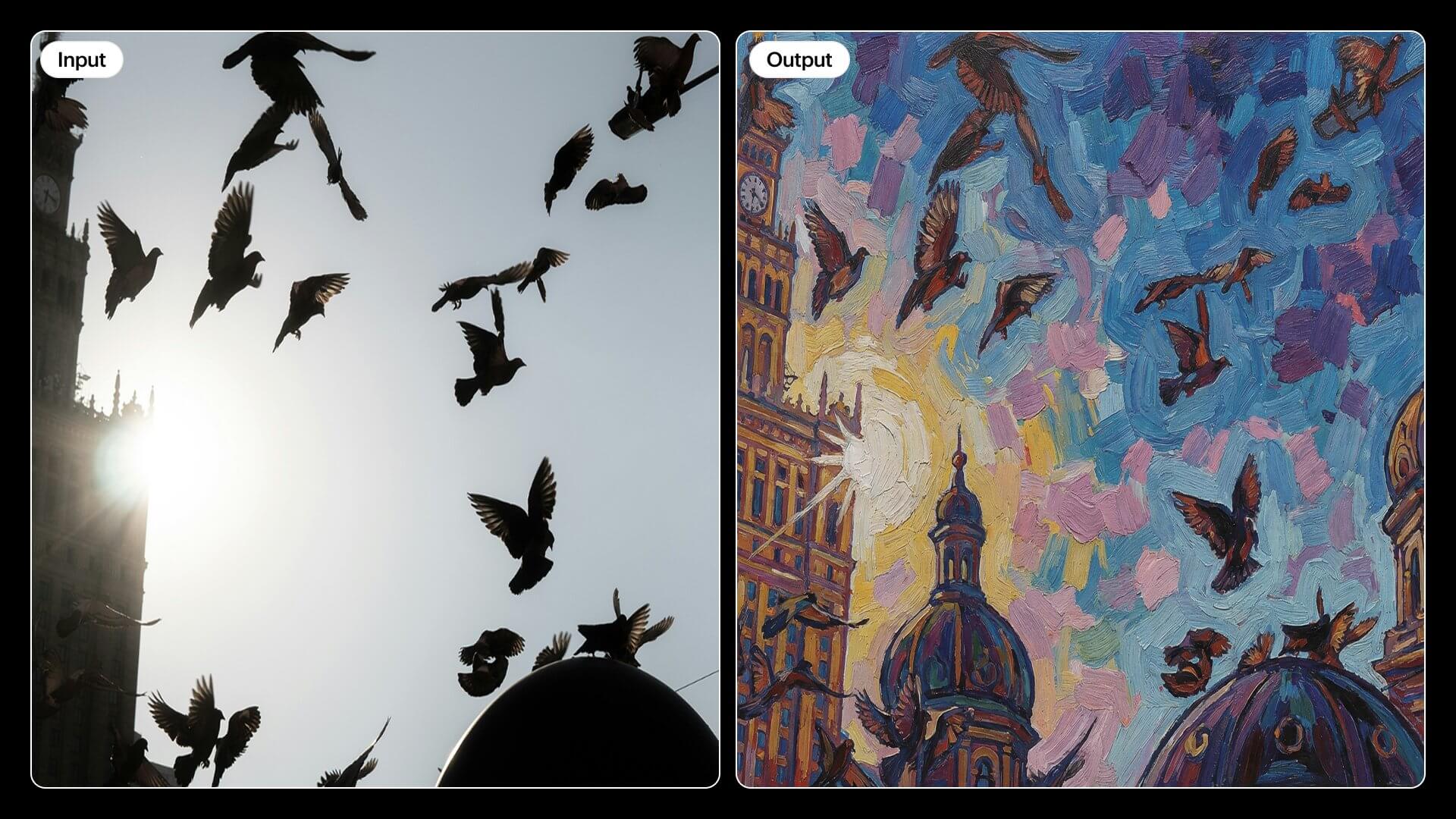
From photorealism to manga, watercolor to webtoon — Uni-1 switches styles without needing separate models or extra plugins.
Gallery
See What People Are Creating with Uni-1
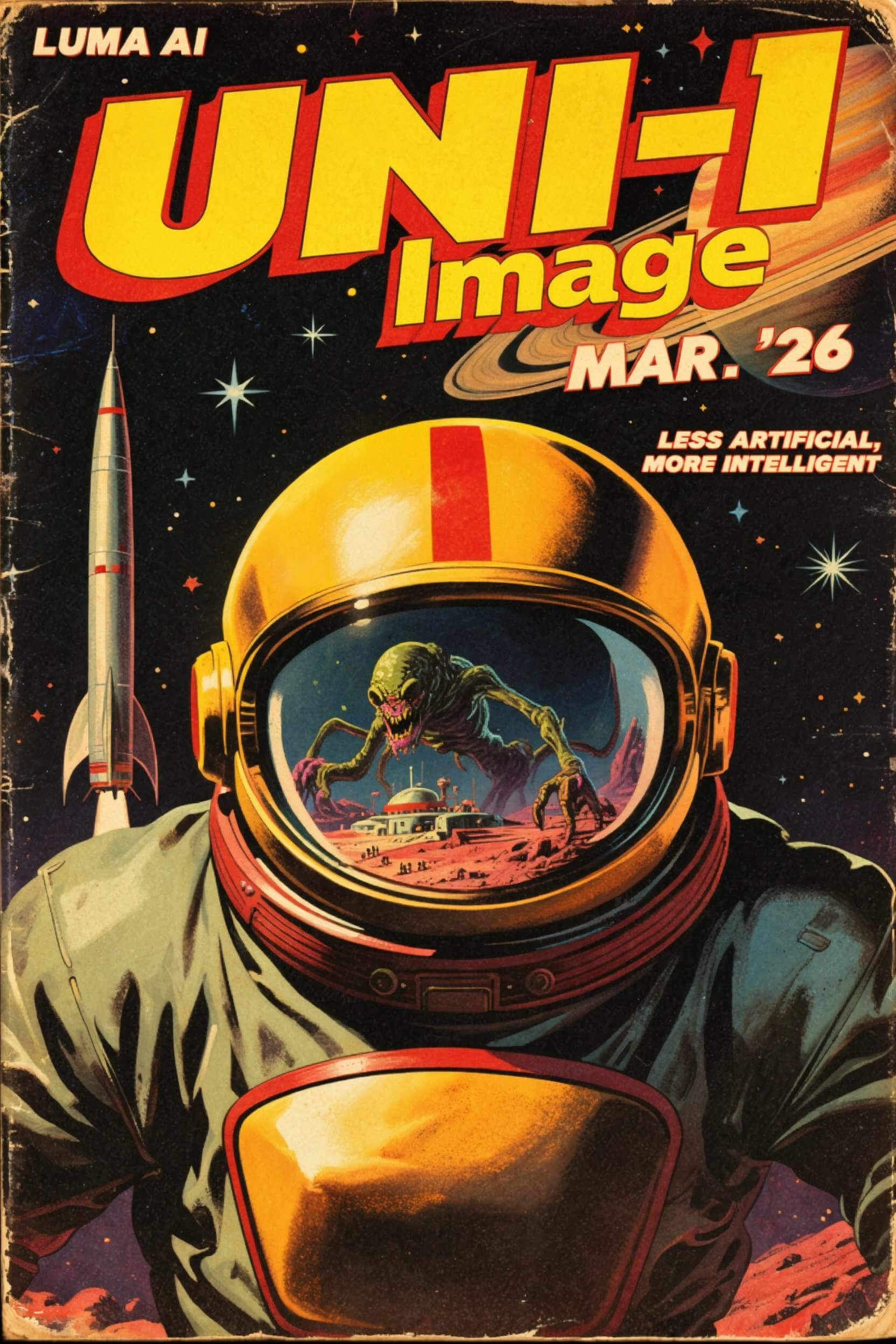
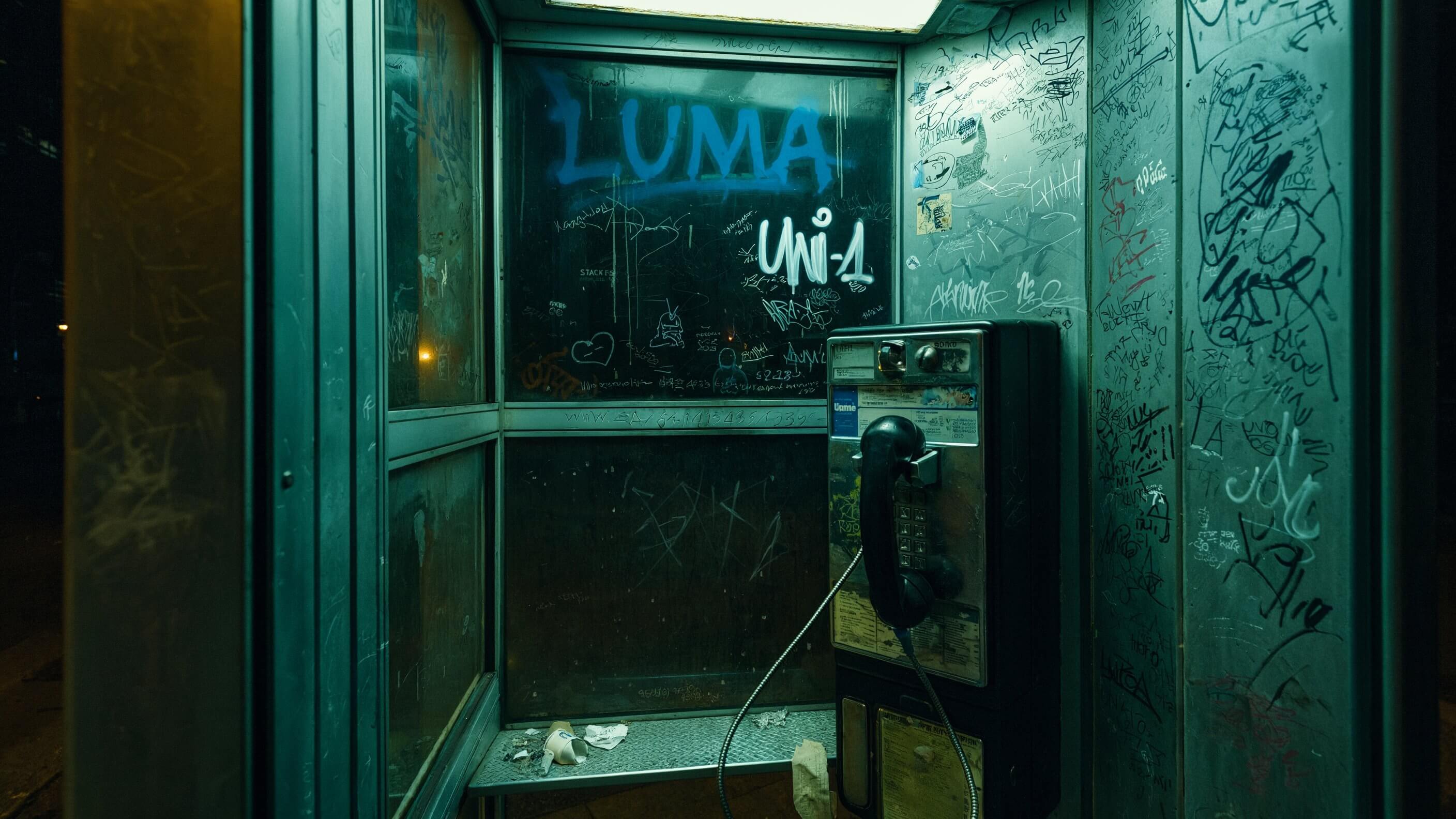
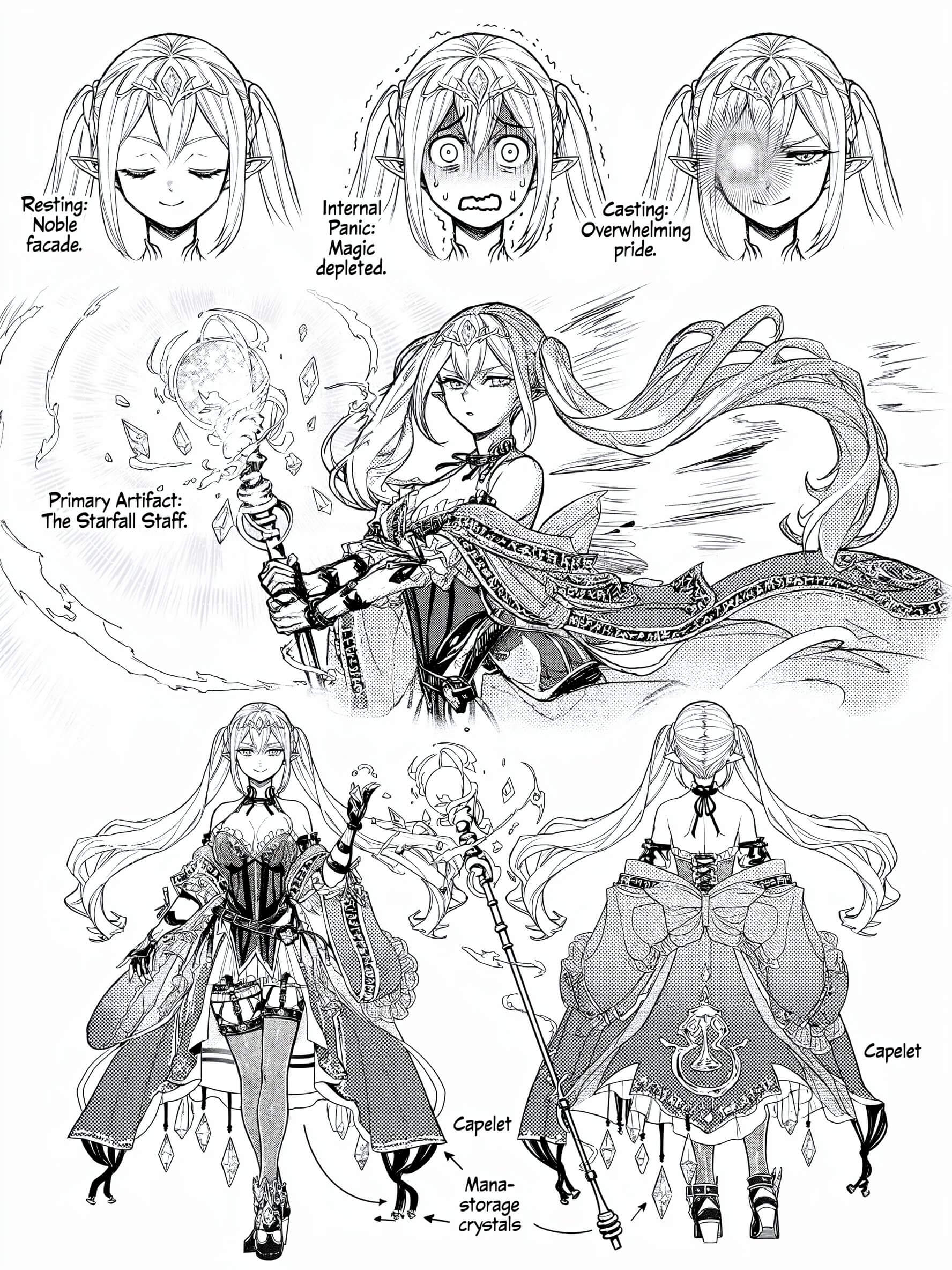
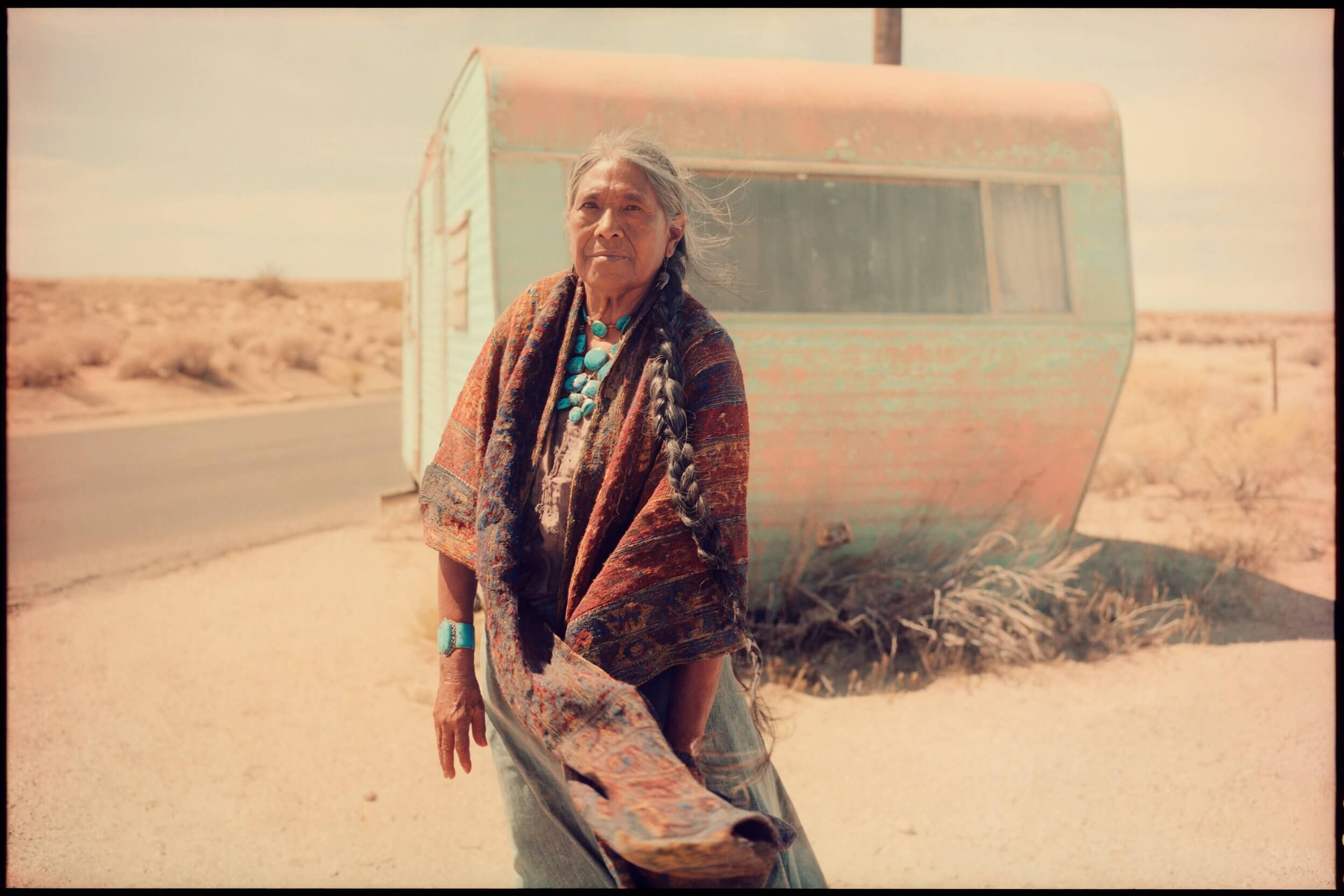
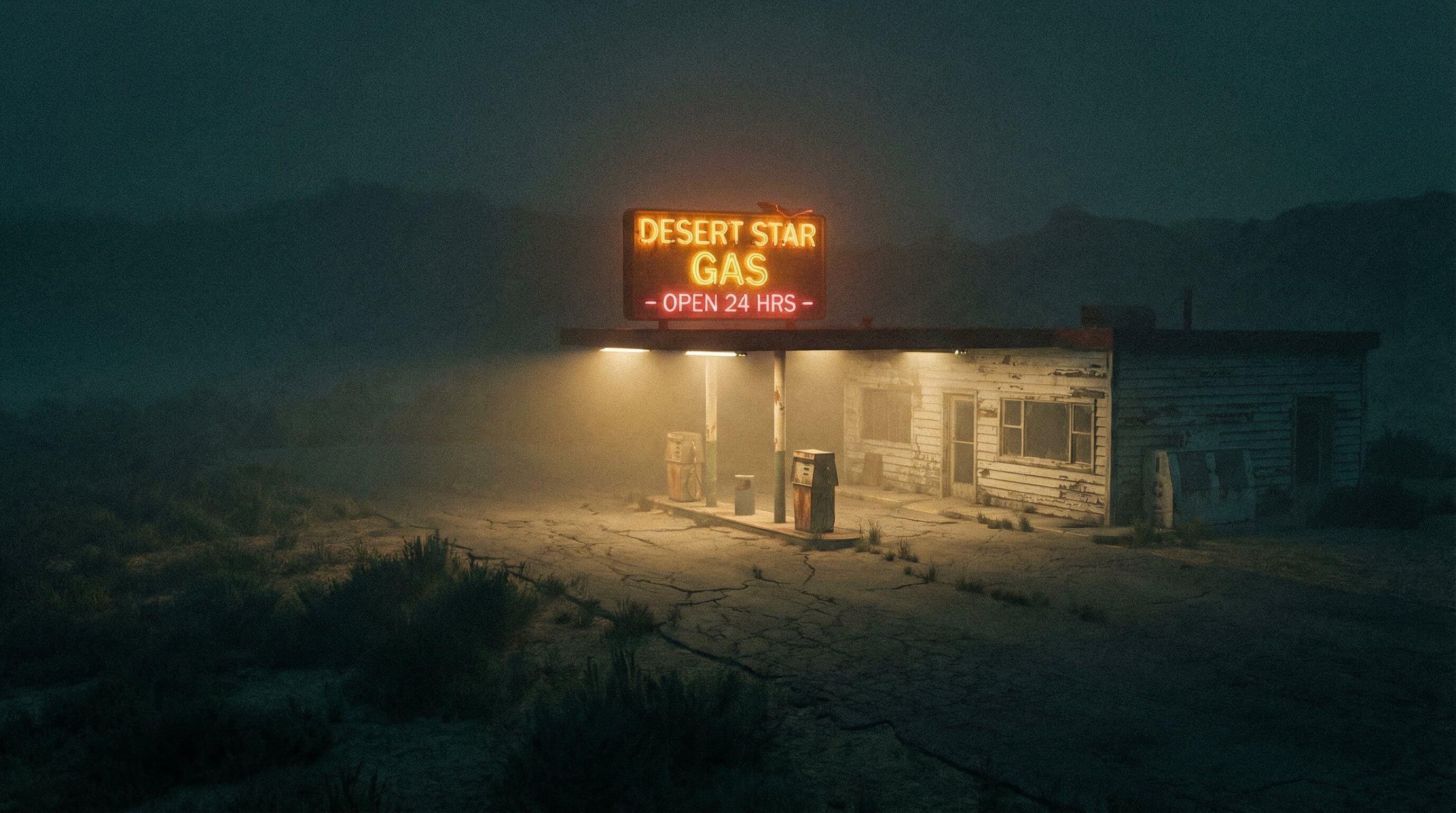
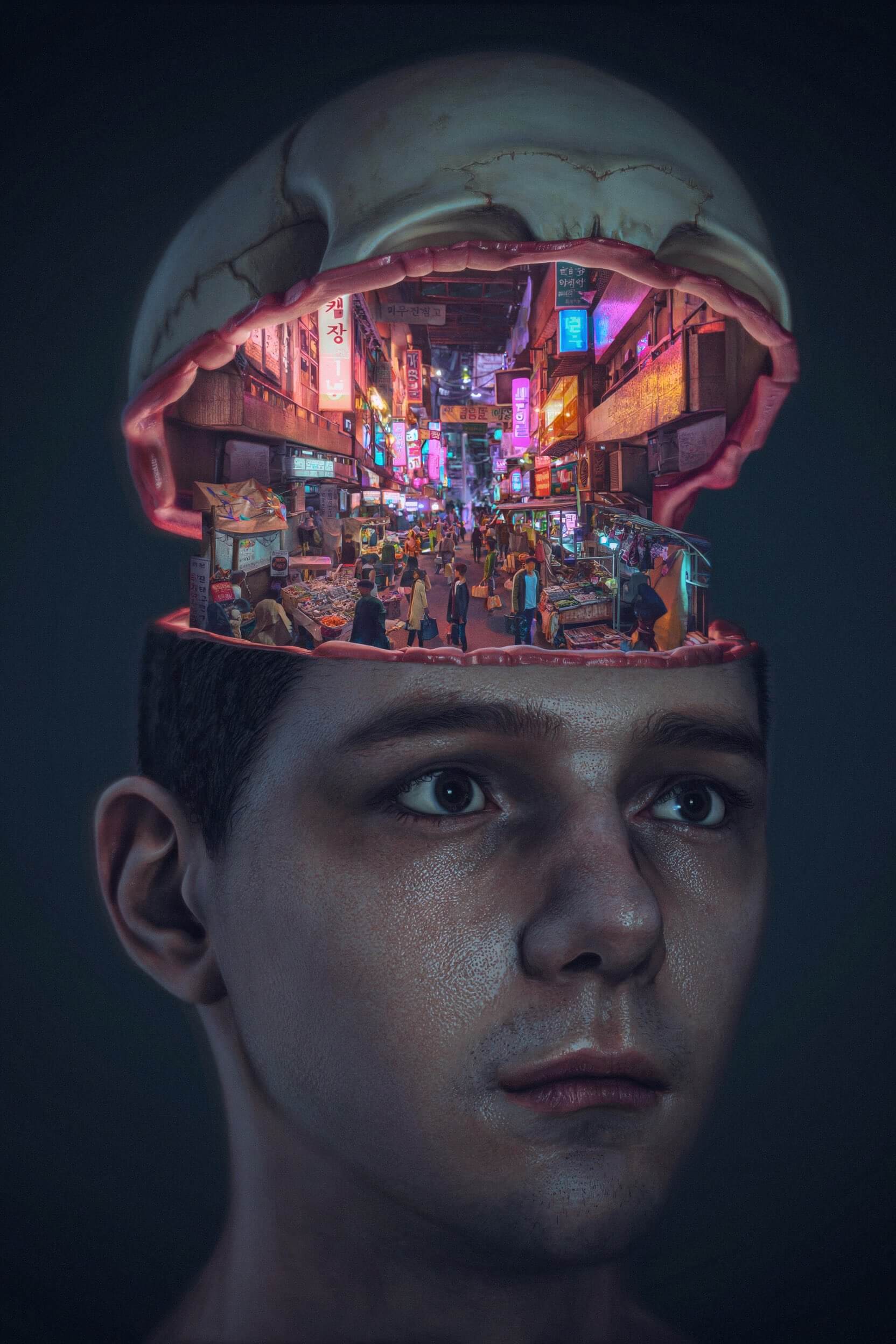
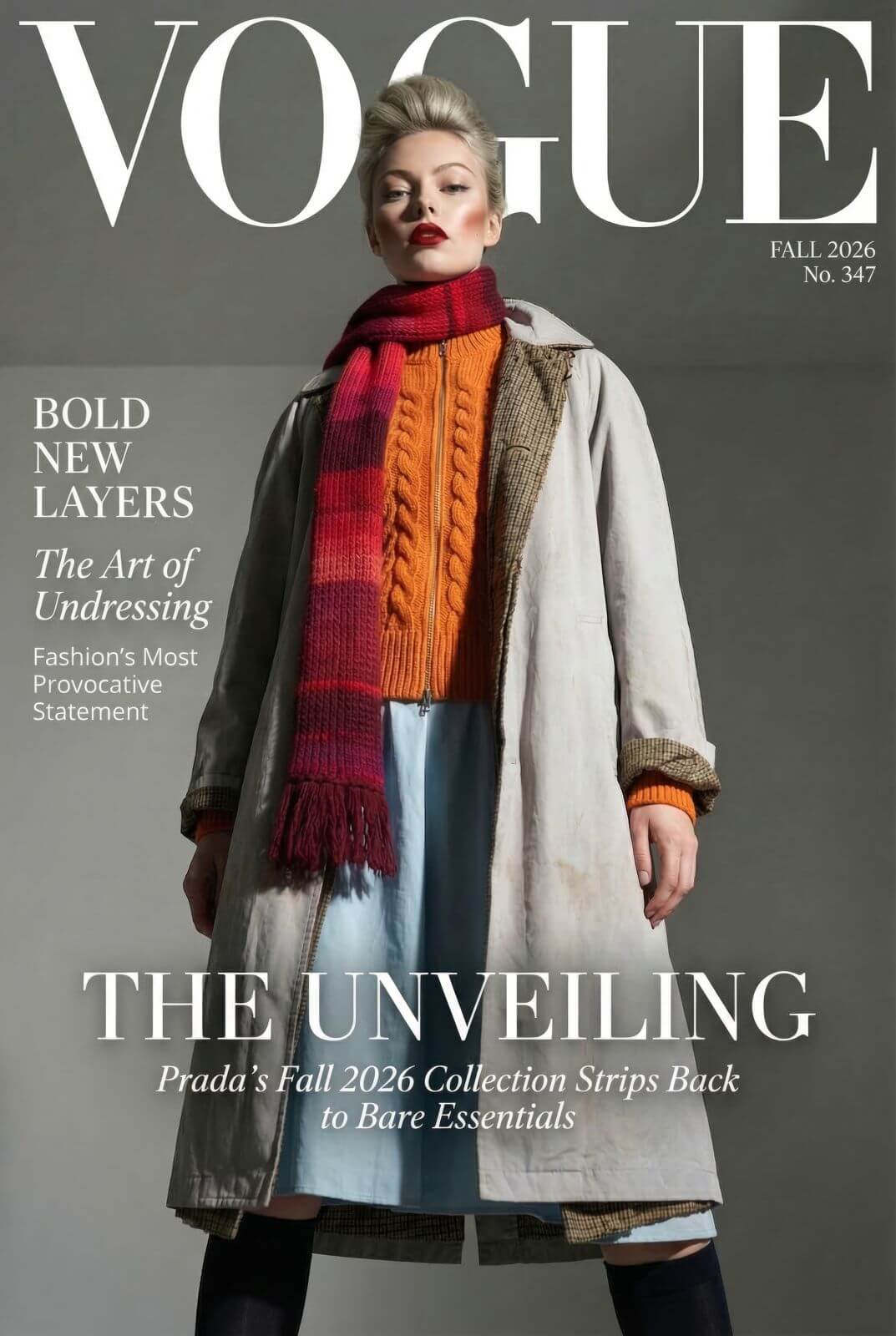
Every image below was generated by Uni-1. No post-processing — just the model doing what it does.
How To Use
Create with UNI-1 in three simple steps
From first idea to polished result, UNI-1 helps you move faster with a clear, conversation-driven workflow.
Describe your idea clearly
Start with the subject, style, setting, camera angle, lighting, and any text or constraints you need in the final image.
Example prompt
“A cinematic cyberpunk bookstore at night, neon reflections on wet pavement, wide-angle shot, realistic lighting, sign reads "OPEN ALL NIGHT".”
Generate and review the first result
UNI-1 reasons through your prompt and produces a more structured first output, reducing the need for repeated retries.
Refine with follow-up instructions
Ask UNI-1 to adjust composition, improve text, change style, or add detail while keeping the original scene coherent.
Core Features
Built for creators who need more than pretty outputs
UNI-1 goes beyond simple text-to-image generation. It understands intent, follows complex constraints, and helps you refine results through a reasoning-first workflow.
Reasoning Engine
Understand complex prompts with precision
UNI-1 breaks down layered instructions before generating, helping it preserve composition, relationships, lighting, text, and visual hierarchy in a single pass.
- Handles multi-object scene descriptions
- Understands style + composition + text together
- Produces more controllable first outputs
Iterative Editing
Refine images through natural conversation
Edit, expand, restyle, or correct images over multiple turns without losing consistency. UNI-1 keeps visual context stable while following new instructions.
- Multi-turn editing without starting over
- Preserves character and scene identity
- Supports targeted visual adjustments
Production Quality
Generate polished visuals ready for real use
From marketing assets to concept art, UNI-1 creates high-quality visuals with strong typography, sharp detail, and flexible style control.
- Clean text rendering in images
- 76+ visual styles
- High-resolution output for production workflows
Benchmarks
Benchmark Performance
Independent benchmarks confirm UNI-1 leads across reasoning, generation quality, and prompt adherence.
RISEBench Overall Score
Industry-standard benchmark for reasoning-intensive image synthesis
Logical Reasoning Score
Complex constraint handling and multi-step instruction following
Use Cases
What Can You Use Uni-1 For?
Whether you're a professional designer or just exploring AI for the first time, Uni-1 fits into a lot of different workflows.
Social Media Content
Generate scroll-stopping visuals for Instagram, X, or LinkedIn without hiring a designer.
Product Mockups
Place your product in any scene, lighting, or style with reference-guided generation.
Illustrated Stories & Webtoons
Create consistent characters and scenes across sequential panels.
Brand & Marketing Assets
Maintain visual identity across campaigns using your brand references.
Multilingual Visual Content
Generate images with accurate text in any language for global audiences.
Concept Art & Prototyping
Sketch out ideas fast, then iterate with style and composition controls.
Compare
How Uni-1 Stacks Up Against the Competition
We've run side-by-side tests so you don't have to. Here's a quick look at how Uni-1 compares to the other top models right now.
| Feature | Uni-1 | Nano Banana 2 | GPT Image 1.5 | Seedream 5.0 |
|---|---|---|---|---|
| Reasoning-based generation | ✅ Yes | ❌ No | ❌ No | ❌ No |
| Multilingual text rendering | ✅ Excellent | ⚠️ Limited | ⚠️ Limited | ⚠️ Moderate |
| Reference image support | ✅ Up to 9 | ✅ Up to 4 | ✅ Up to 5 | ✅ Up to 6 |
| Art styles | ✅ 76+ | ⚠️ ~30 | ⚠️ ~40 | ⚠️ ~50 |
| Human preference Elo rank | ✅ #1 Overall | ⚠️ #2 | ⚠️ #3 | ⚠️ #4 |
FAQ
Frequently Asked Questions
Everything you need to know before getting started.
Uni-1 is an AI image generation model developed by Luma Labs. Unlike most image models that use diffusion-based methods, Uni-1 uses an autoregressive transformer architecture — meaning it reasons through your prompt, understanding context and intent, before it generates a single pixel. It launched in March 2026 and currently ranks #1 in human preference Elo for overall image quality.
Midjourney and Stable Diffusion use diffusion models, which work by gradually refining noise into an image. Uni-1 uses a different approach — it processes text and image tokens together in a single model, allowing it to "think through" the composition before generating. This leads to better results on complex prompts and more accurate text rendering.
Yes. Uni-1 supports reference-guided generation with up to 9 reference images. You can guide the output with faces, compositions, styles, or objects from your own photos.
Yes, and this is one of Uni-1's standout strengths. It can render readable text inside images in multiple languages — including English, Chinese, Arabic, and Japanese — with near-zero typographical errors. Most other AI image models struggle significantly with non-Latin scripts.
Yes. Uni-1 supports 76+ art styles within a single model — from photorealism and oil painting to manga, webtoon, flat vector illustration, and more. No plugins or separate models required.